
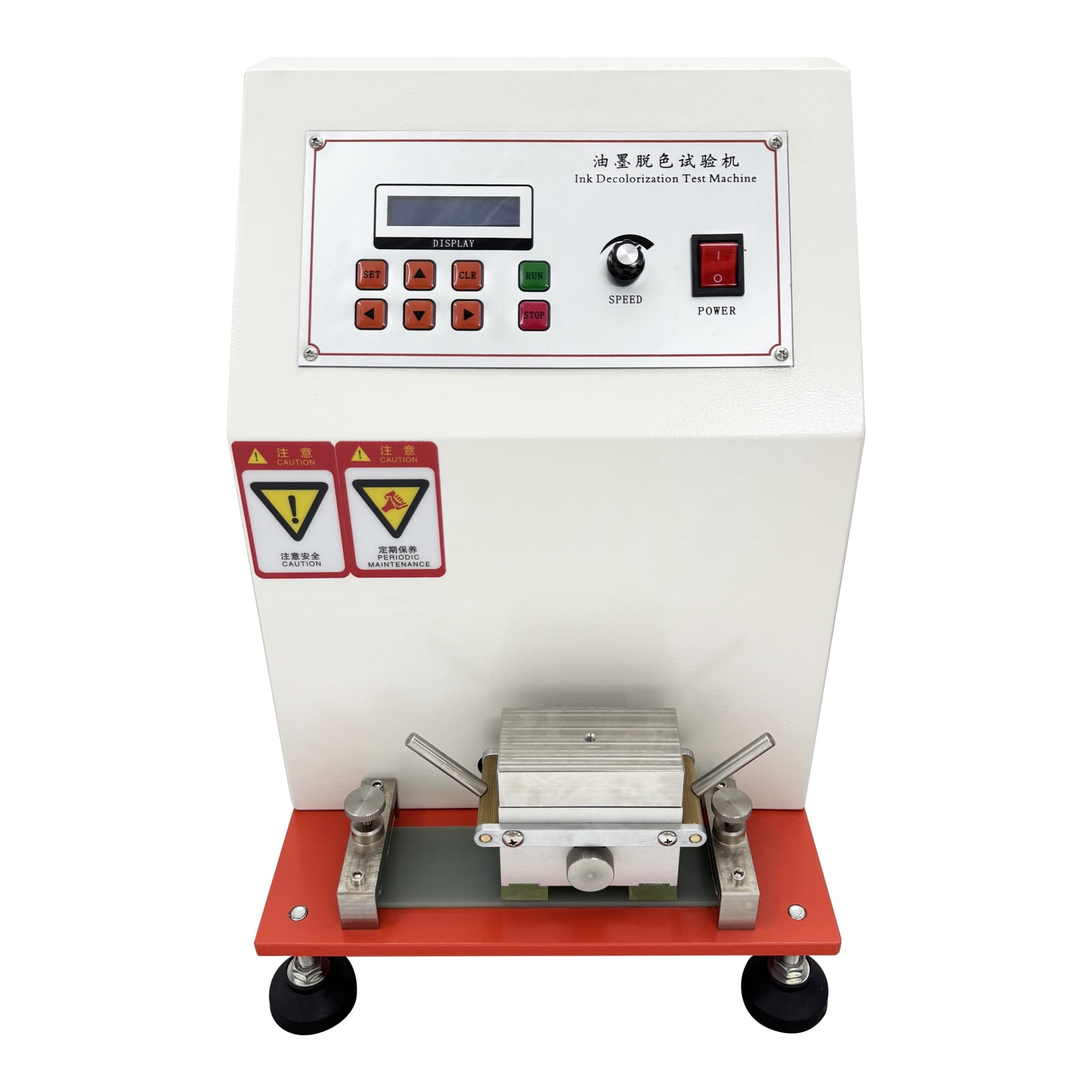
Printing Ink Abraser Friction Testing Machine Ink Abrasion Decolorizing test Machine Sutherland Ink Rub Tester
Product details
| Management number | 238147068 | Release Date | 2026/07/11 | List Price | US$435.60 | Model Number | 238147068 | ||
|---|---|---|---|---|---|---|---|---|---|
| Category | |||||||||
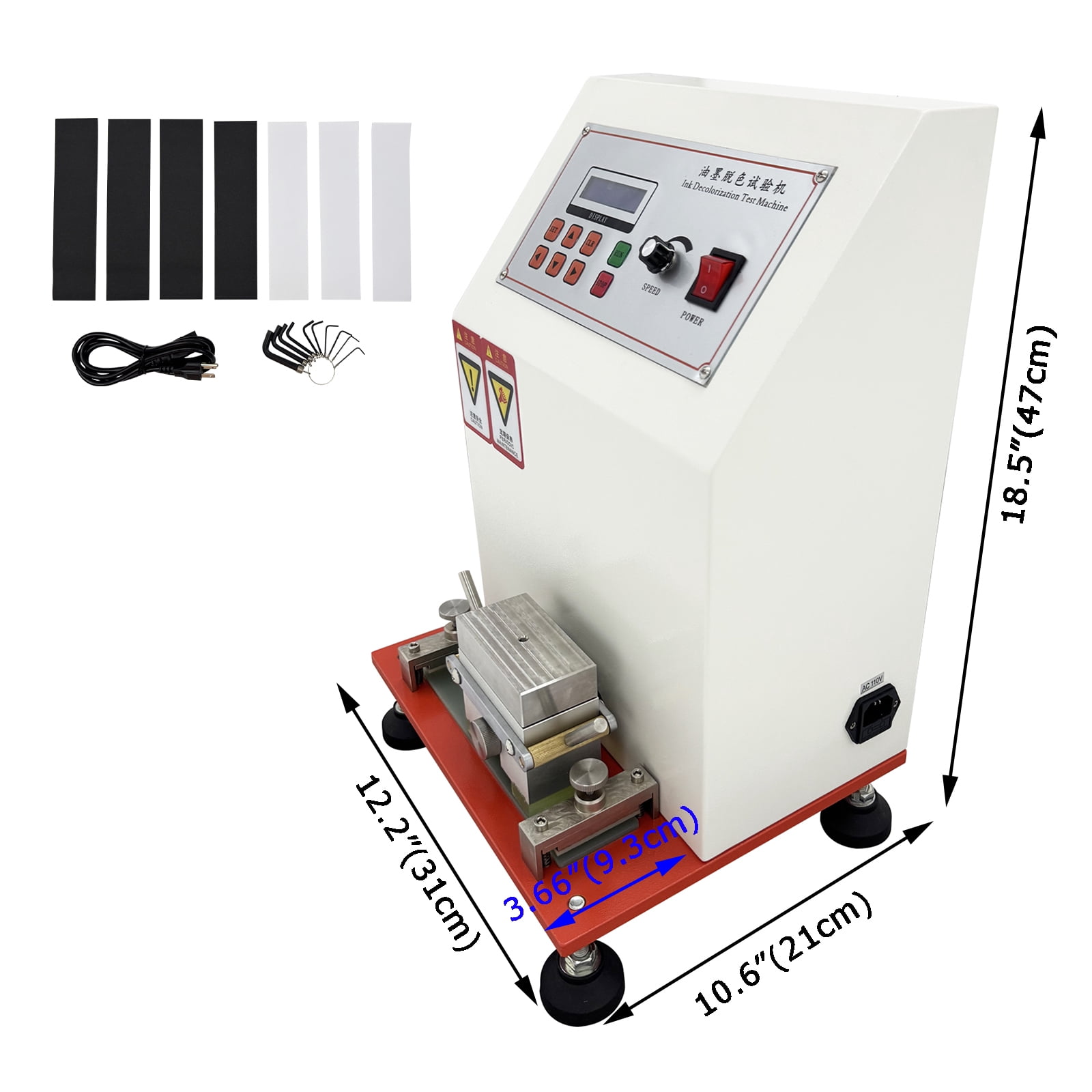
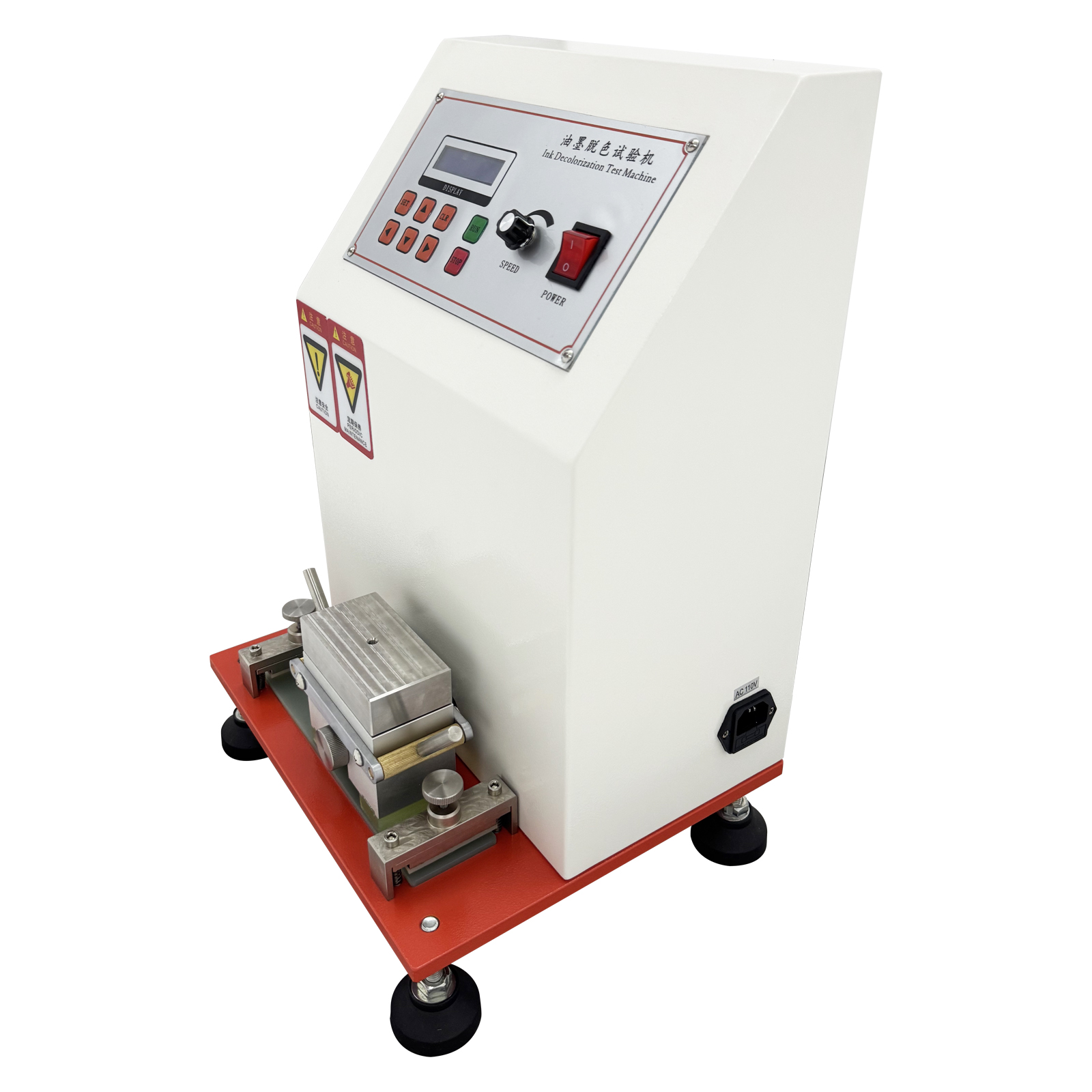
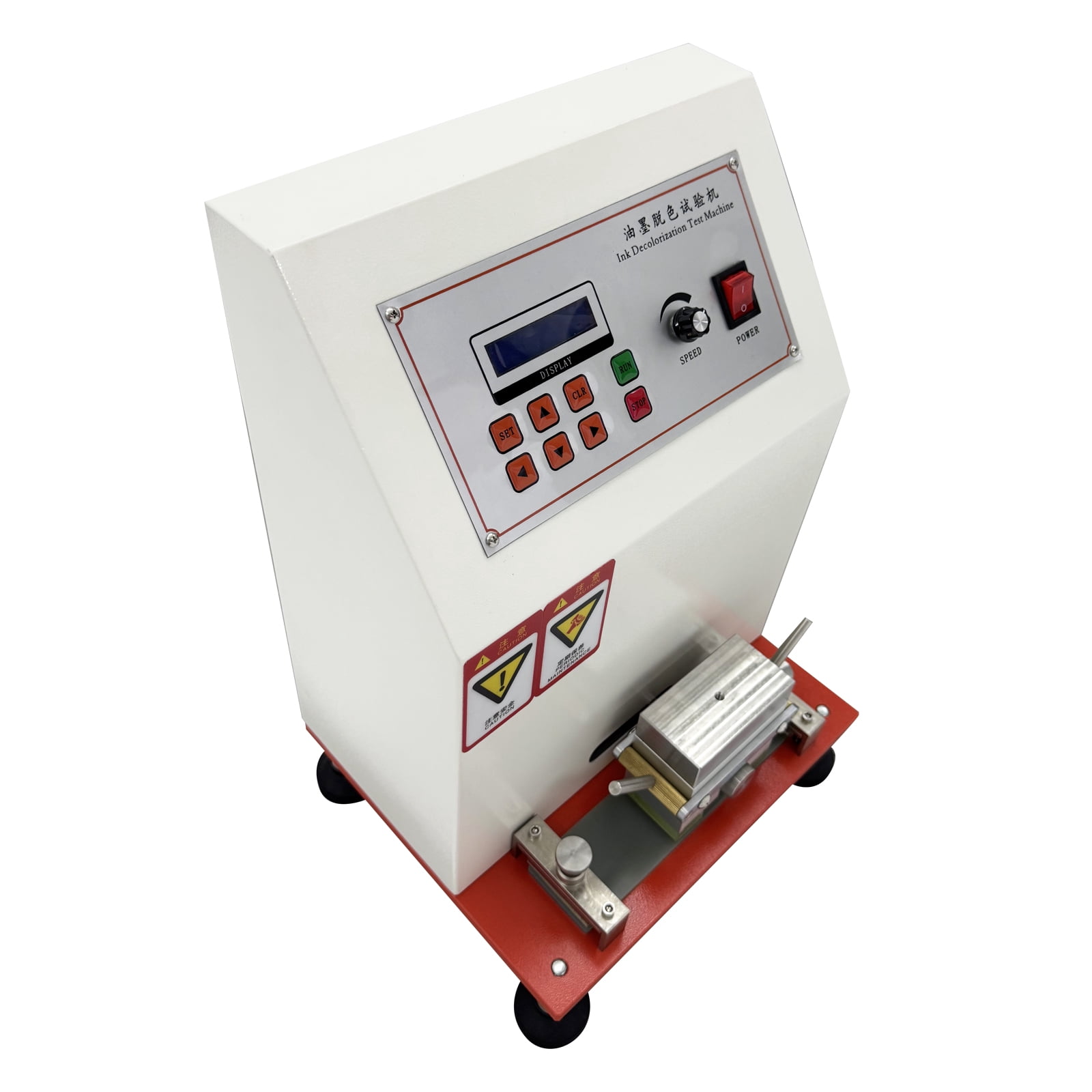
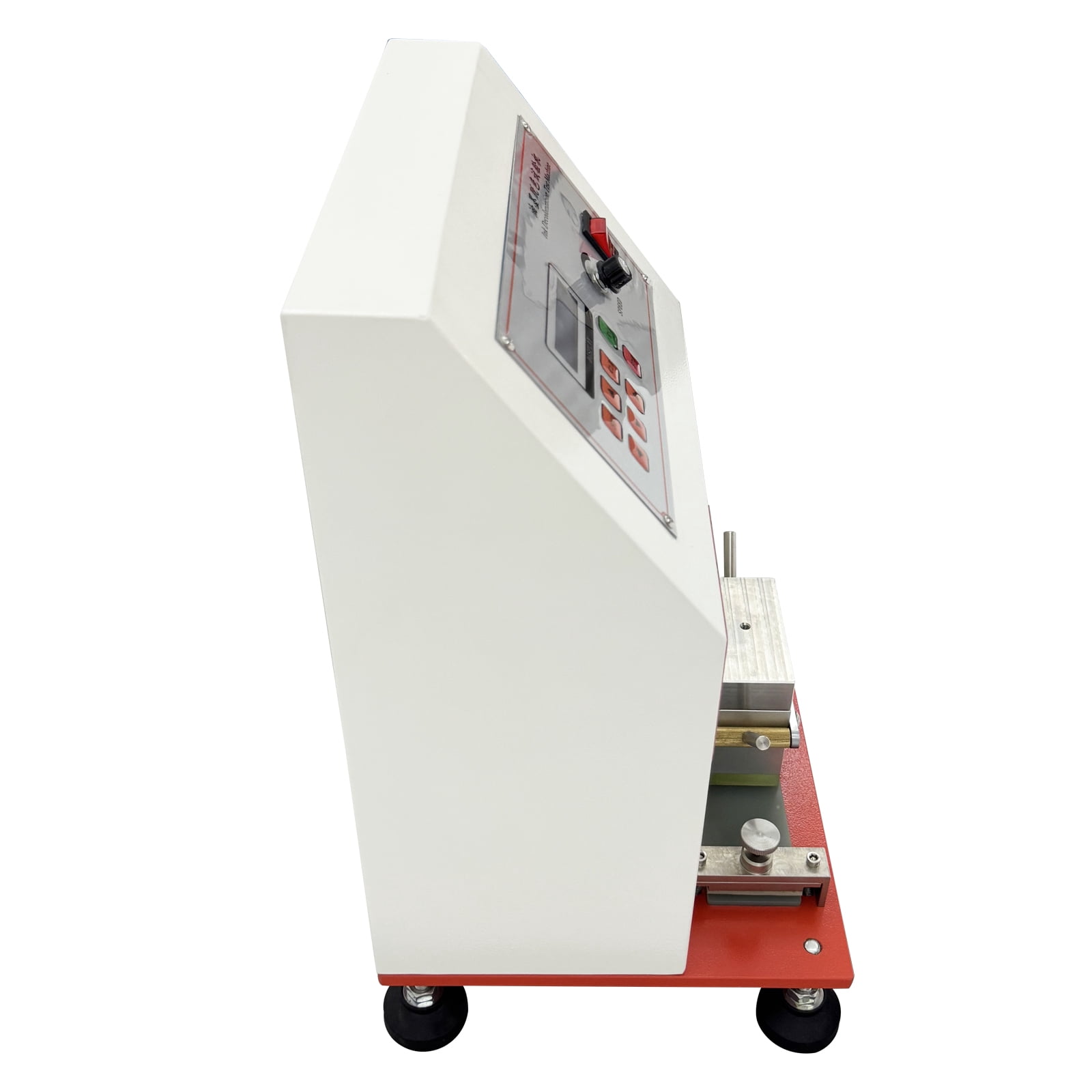
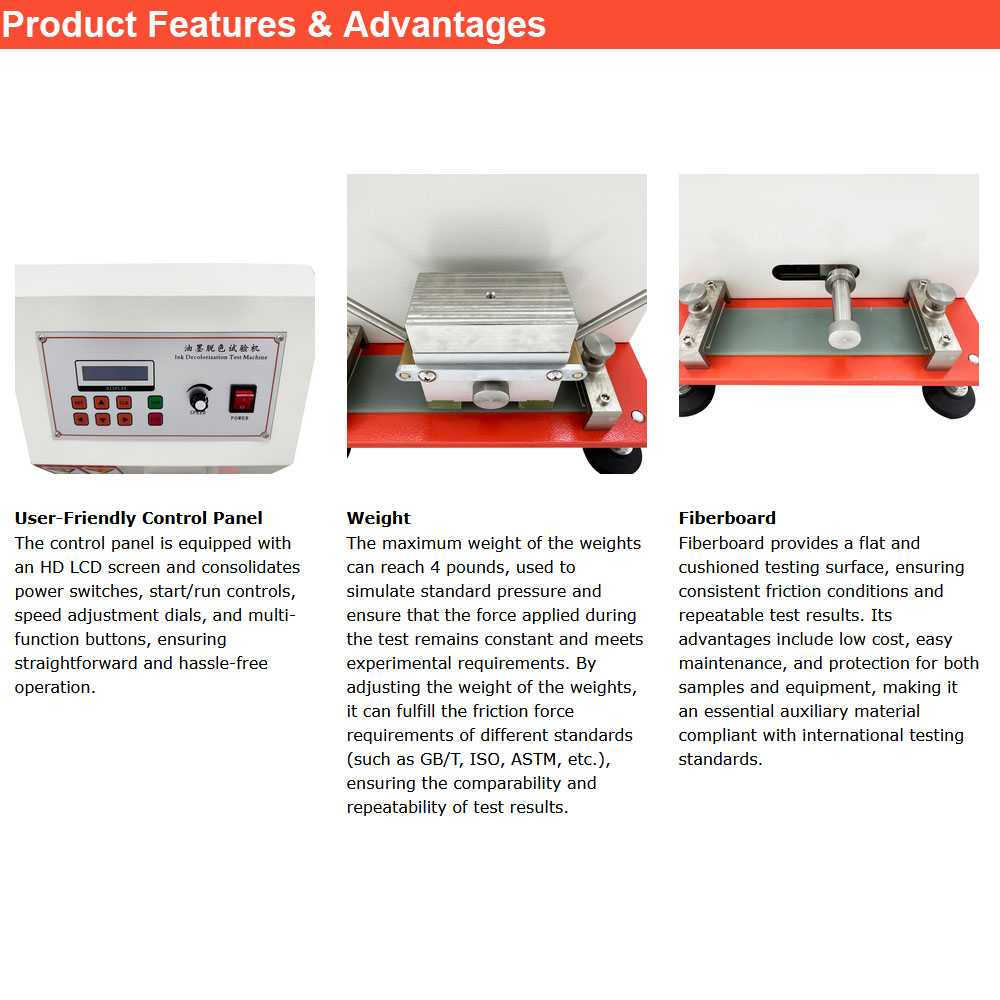
Product Overview: <br>This machine is mainly used for testing the abrasion performance and ink rub-off rate of printed materials (e.g., ink prints, packaging boxes). It applies standard load with controlled reciprocating friction speed and travel distance on the sample surface to evaluate the contamination level between sample and standard friction paper, as well as surface fluffing or abrasion damage. The instrument complies with GB/T 7706, GB 7707, JIS K5701, ASTM D5264 and TAPPI T830 standards. <br> <br>Product Parameters: <br>1. Voltage: AC110V <br>2. Power: 40W <br>3. Operation Method: Microcomputer-controlled with LCD display <br>4. Test Specimen Area: Dimensions: 2.3"*9.0"(60*230mm) <br>5. Friction Speed: Adjustable speed (21/43 rpm), customizable upon request <br>6. Friction Load: 2LB, 4LB (0.9kg, 1.8kg) <br>7. Friction Stroke: 2.3" (60mm) <br>8. Cycle Count Setting: Automatic stop at 0-9999 cycles. <br>9. Friction Contact Area: 1.9"*7.8" (50*200mm) <br>10. Material: Steel <br>11. Package size: 15.7"*13.7"*25.2" (40cm*35cm*64cm) <br>12. Net weight / Gross weight: 42.5lbs(19.3kg) / 66.1lbs(30kg) <br> <br>Precautions: <br>1. The instrument must be placed on a stable, level surface before use. <br>2. Do not move or adjust the machine during operation. <br>3. Select the correct power supply voltage. Avoid excessively high voltage to prevent component damage. <br>4. In case of abnormal operation, please contact us immediately for troubleshooting. <br>5. Ensure adequate ventilation during machine operation. <br>6. For mechanical components (e.g., key mechanisms) under heavy load, lubricate regularly. <br>7. After each test, clean the machine thoroughly to maintain hygiene. <br>8. Only use a dry cloth to wipe the control panel. Do not use wet cloths. <br> <br>Operating Instructions: <br>1. Sample preparation: Place the color-printed finished product or ink-containing finished product for 24 hours before testing. Cut into 100mm*200mm dimensions and fix on the friction platform, ensuring the test surface is free from wrinkles and contamination. Prepare samples according to standards to ensure their dimensions, ink coating amount, and drying method meet requirements. Prepare sufficient samples for repeated tests. <br>2. Sample installation: Fix the sample on the sample holder of the ink abrasion tester, ensuring it lies flat without external force. Secure the sample on the lower friction platform following the above steps. <br>3. Test parameter setting: Fix the upper friction arm wrapped with white bond paper on the transmission arm, then place the weight on top. Set the number of friction cycles. <br>4. Start testing: Press the start button, adjust the friction speed through the speed regulator. The machine will automatically stop when reaching the preset friction cycles. <br> Item Included (057151): <br>Printing Ink Abraser Friction Testing Machine *1 <br>Accessory Kit *1
- Simple Operation: Reasonable button design with an LCD operation panel for more convenient operation.
- Durable: The core metal components adopt a five-layer electroplating process to prevent corrosion and rust, ensuring greater durability.
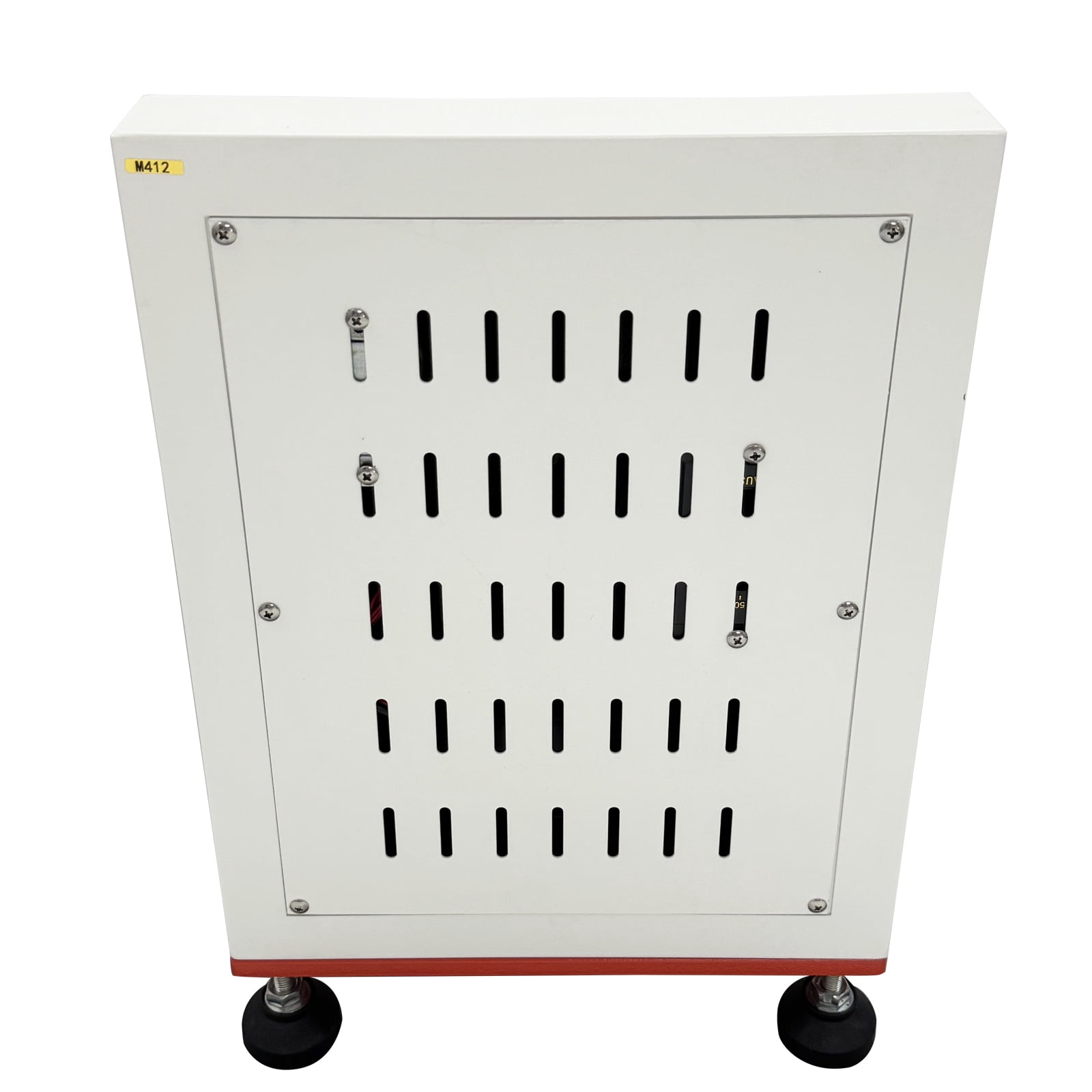
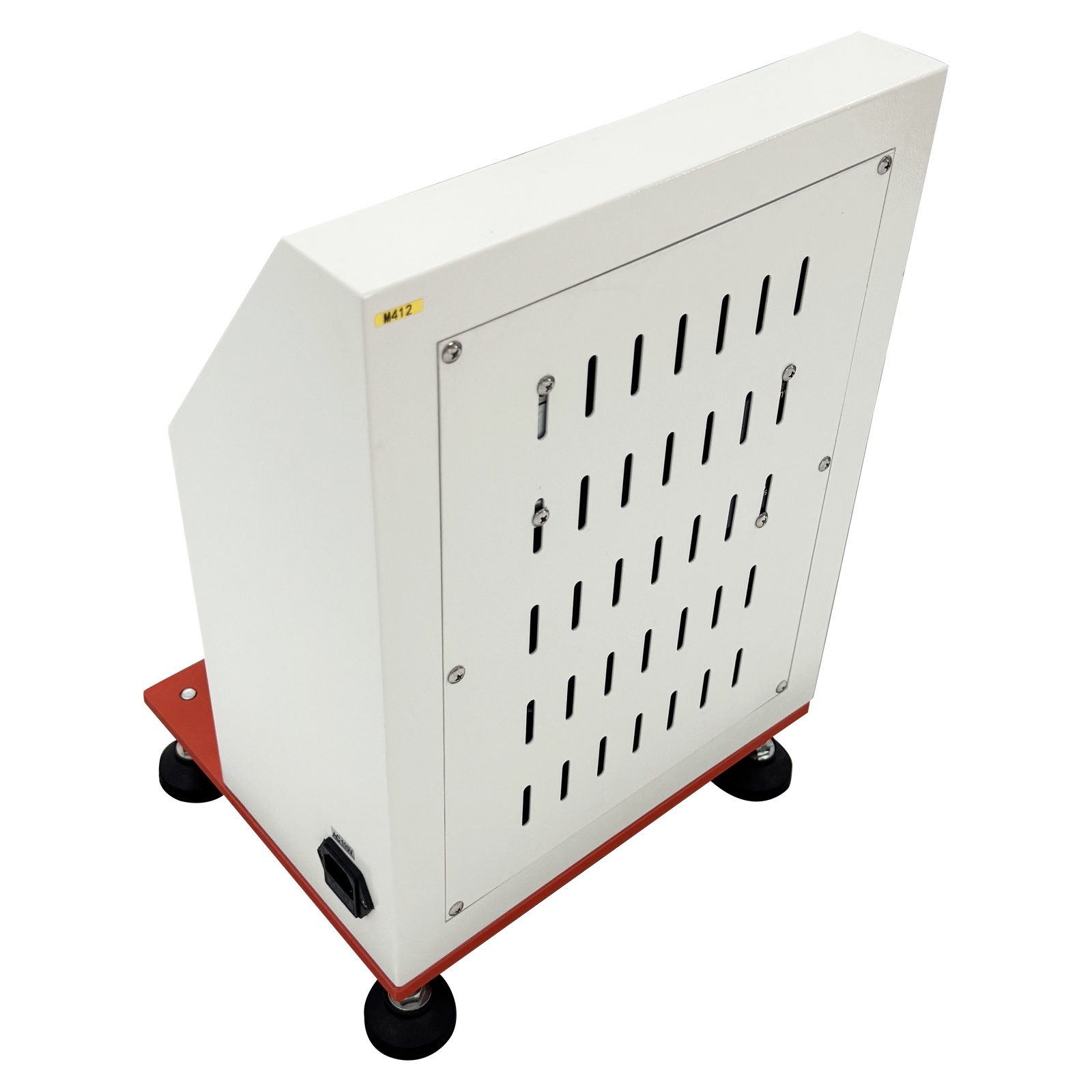
- High Quality Material: The main body of the machine is made of high quality corrosion-resistant steel plate, featuring anti-fouling, high toughness, corrosion resistance, and rust-proof properties.
- Advantages: The equipment is compact, lightweight, space-saving, and highly portable.
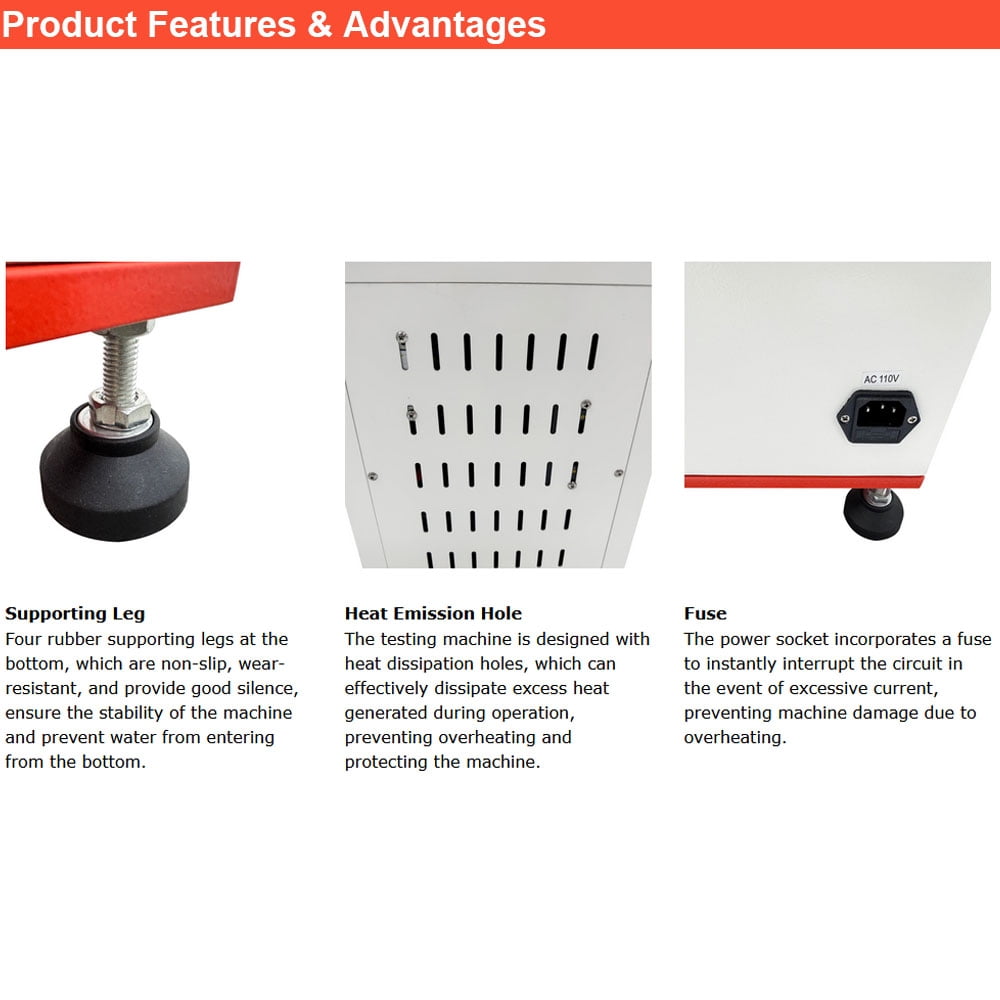
- Stable Operation: Non-slip rubber feet provide stable operation, excellent quality, and a long service life.
| Brand | Preasion |
|---|---|
| Power type | Electric |
| Height | 1.5 in |
| Weight | 42.5 lb |
| Model | 057151-SunS |
Bestseller ranking
Mystery & Suspense





Customers who viewed this product also viewed
Uncategorized




Correction of product information
If you notice any omissions or errors in the product information on this page, please use the correction request form below.
Correction Request Form